Spaces are useful for communities wanting to manage their own training resources by registering, maintaining and curating their material for their members in their own virtual space in the common portal environment.
They present as subdomains (e.g., alice-heptraining.cern.ch) where you can isolate training resources for your community, the space’s interface may change while keeping HEP Training Catalogue functionalities.
HEP Training ‘default’ space
Enormous pool of training resources
Managed by the administrator
URL: heptraining.cern.ch
Materials, Events, Trainers, Providers, Spaces
Custom space
Selected specific training resources
Managed by you
URL: custom-heptraining.cern.ch
You choose what to display : Materials, Events, Trainers
Spaces are pooled into a shared instance but look to their community as if they have their own catalogue with their own identity and their own subdomain.
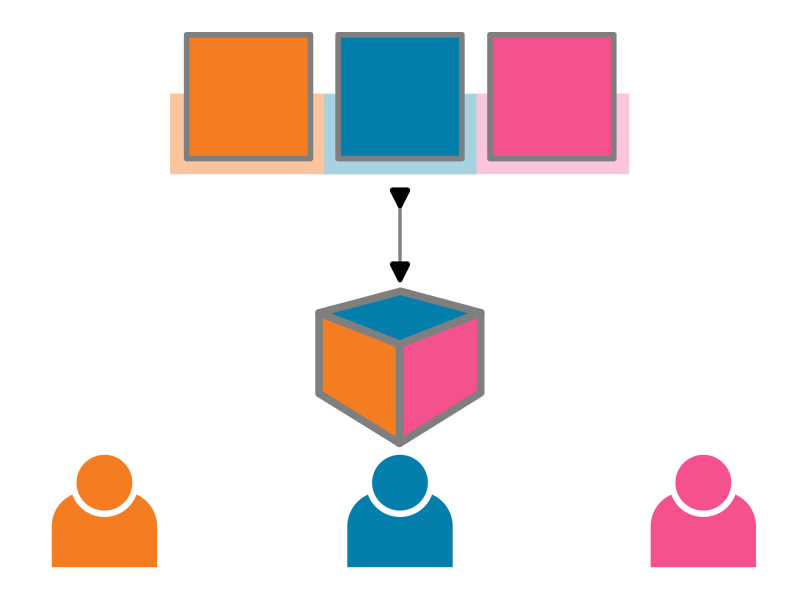
There are two types of spaces:
Public space
This is the option by default to promote open training and educational resources. Its resources are visible to everyone and visible in the main catalogue with the Show materials from all spaces toggle. You do not have to be logged in to have access to the space.
We call ‘default’ space, the main catalogue (heptraining.cern.ch).
Private space
Private spaces are spaces where their registered resources are not visible outside the space (even with the filter in the main catalogue to see resources from other spaces). You must be logged in to have access to the space and subsequent resources.
Private spaces have the particularity of being linked to a CERN e-group (i.e., GMS).
Request a new space
Prepare the following details of the new space:
Title,
Description,
Image (logo for your community),
Administrators (list of HEP Training usernames to be space administrators),
Whether you want to register a) Materials, b) Events, c) Trainers in your space,
Whether the space is private and, if so, what e-group will be associated with the space,
Theme or primary and secondary colors you want to have for your space.
Description of the governance / curation / maintenance of the space on your side
Send these details to contact
.heptraining@cern .ch The request will be processed by an administration team. If the request is approved, the administration team will create the space for you.
There are currently five themes to choose from to style your new space.

Consequences of deleting a space
For public spaces, all resources will be moved to the default space and be found under heptraining.cern.ch.
However, for private spaces, all resources registered from the public spaces will be deleted.
This new feature is possible thanks to the mTeSS-X project.